
Solar System Simulation
We know, we know - hardly original, but it's an example that doesn't need a lot of explaining and yet is sufficiently complex to be interesting.
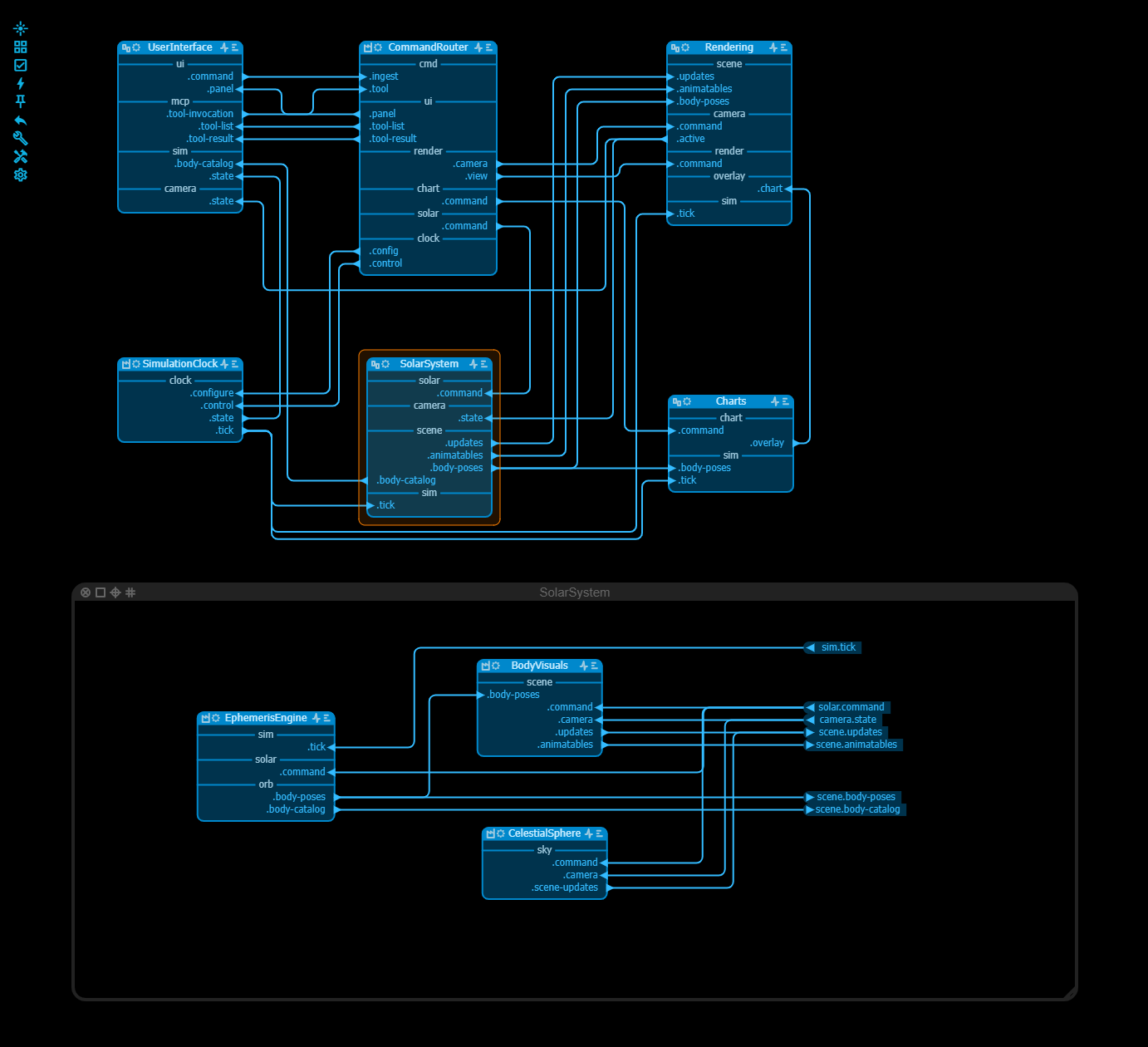
The architecture and coding was developed by the coding agent in dialog with the human. Of course you still have to find the files with the ephemerides for the planets and their moons, the texture maps that you want to use etc. The NASA website is a great resource for these.
At startup the screen shows the planets - enlarged of course - moving around the sun. There are three icons in the upper right corner.The gear icon makes a fairly straigthforward UI pane appear to the right where you can change some settings, eg add the stars and the constellations, choose a different camera, timing, speed etc. The list-icon makes a second pane appear at the left and it displays a chart, in our example a distance chart. And finally the text balloon icon pops up a window to communicate with an LLM.
You can only use the LLM window if you download the app and run a small server that is included in the distribution. That server is called the llm-bridge and helps to get the CORS headers ok for the application. The llm-bridge is configured to read your API key via an environment variable and is doing nothing else with it. If you don't trust it - always a good starting point - ask your coding agent to inspect the llm-bridge code and tell you what is happening. The LLM window is actually an MCP server/client under the hood and allows your LLM to change the settings of the app directly. If you click on the question mark icon, you see a list of things the MCP server can take care of.
The application itself uses several techniques - level-of-detail, texture mapping for earth and the moon, time and speed settings etc. - to make this an interesting app. And of course you can let your agent change and expand the app as you please.
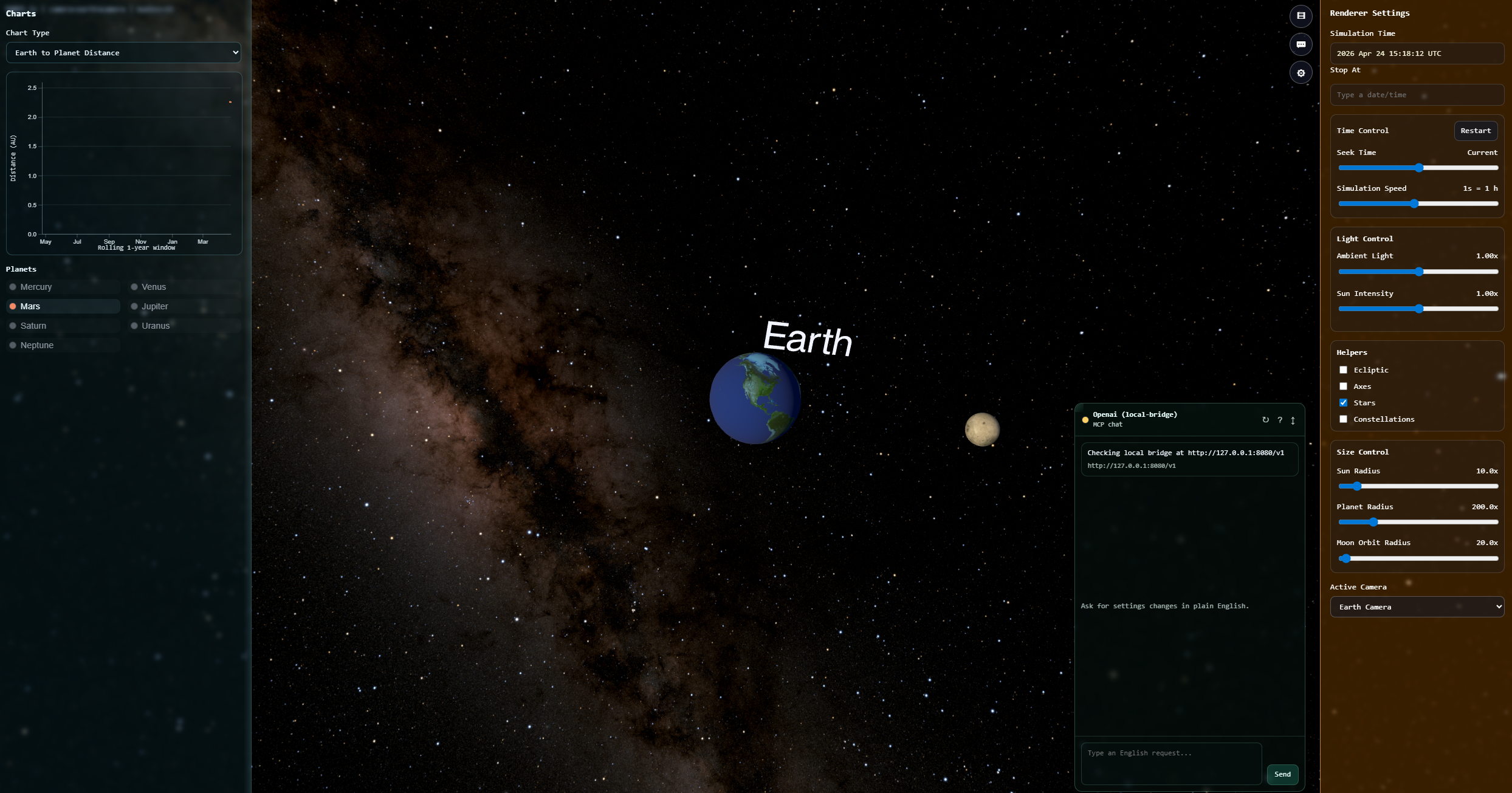
To get a close-up of earth select the earth camera and select the stars for a more dramatic background.